How to submit your agent for Autohive Marketplace
This step-by-step guide demonstrates how to submit your agent to Autohive's Marketplace.
Article
2 minutes
read
1: Access My Marketplace
Option 1
Select Marketplace in the left navigation bar.
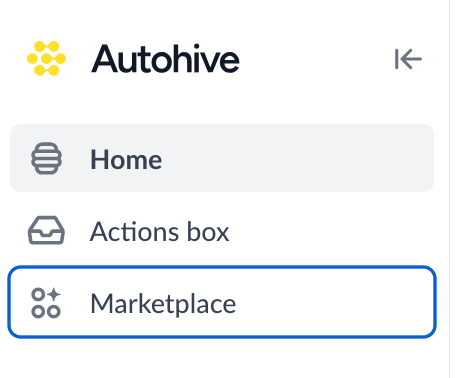
Select My Marketplace, in the top right hand corner.

Option 2
Click into your Profile Preferences. Select My Marketplace.
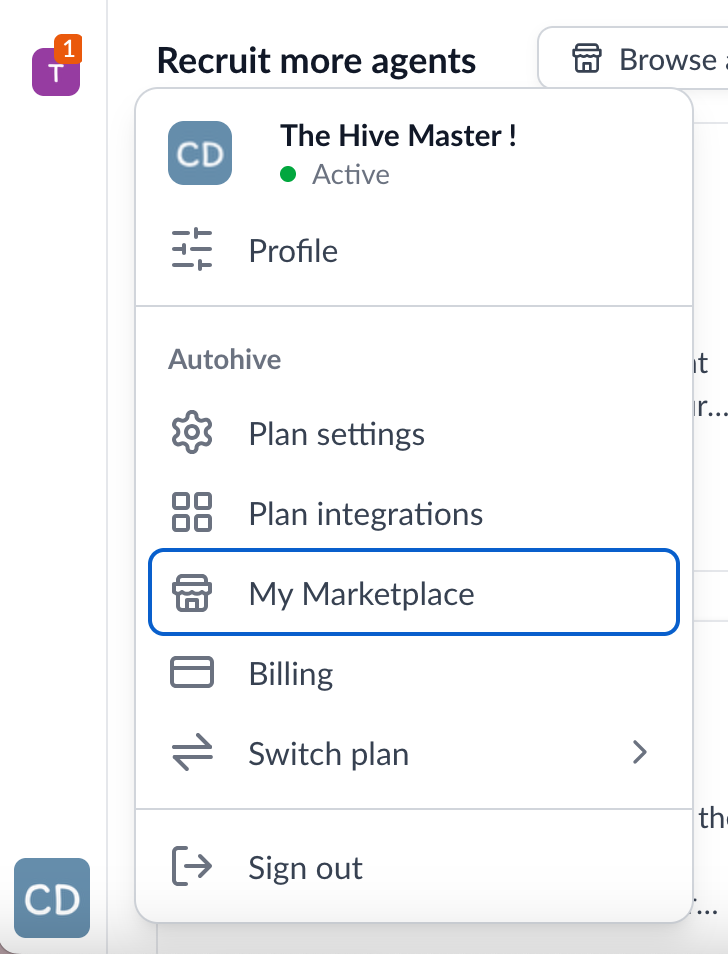
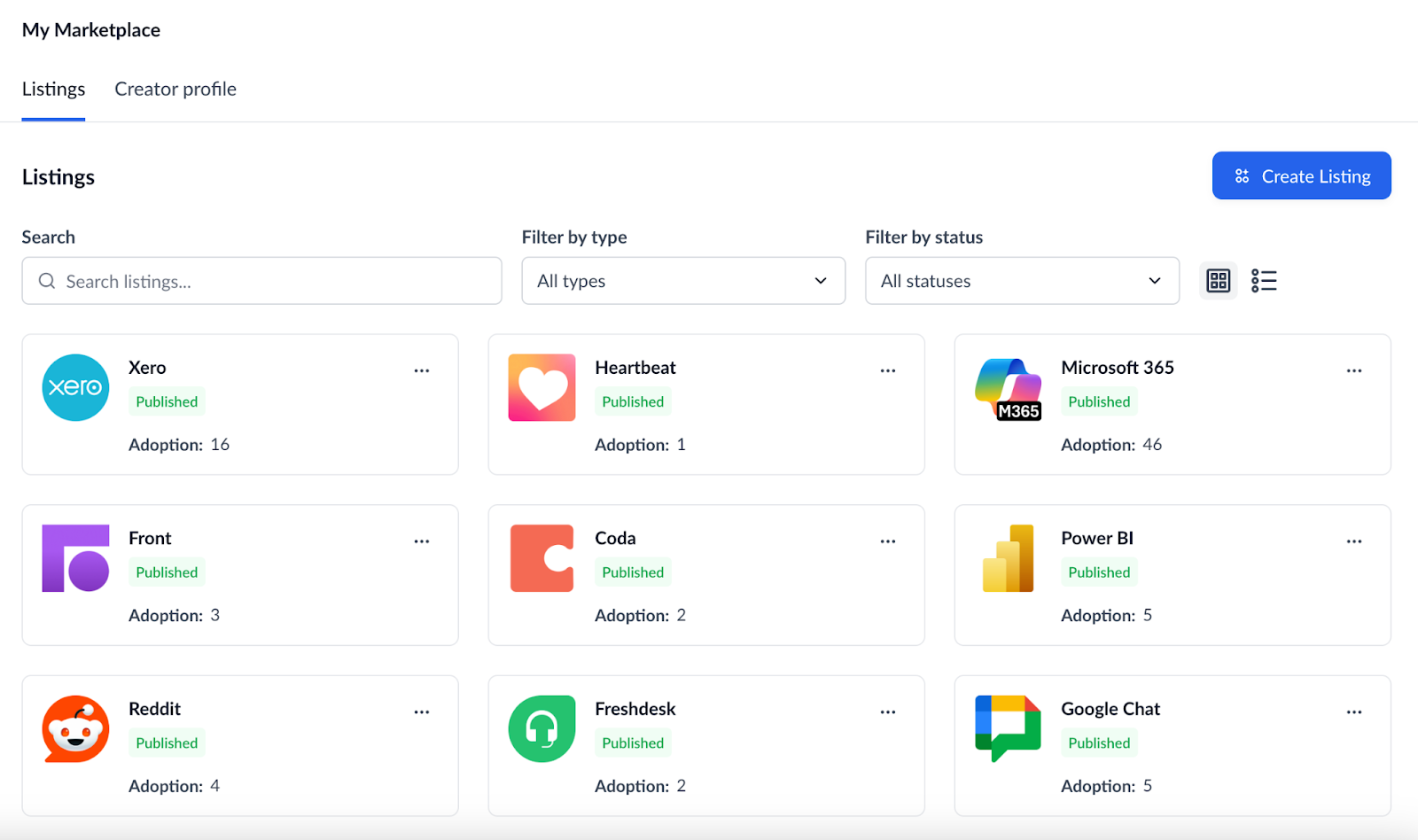
2: Select Create Listing
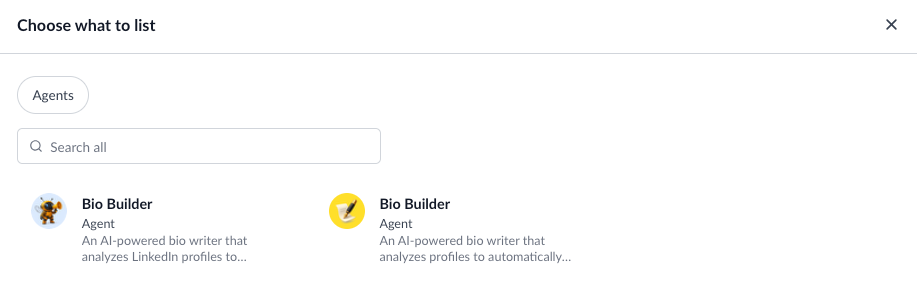
3: Select the agents you wish to publish
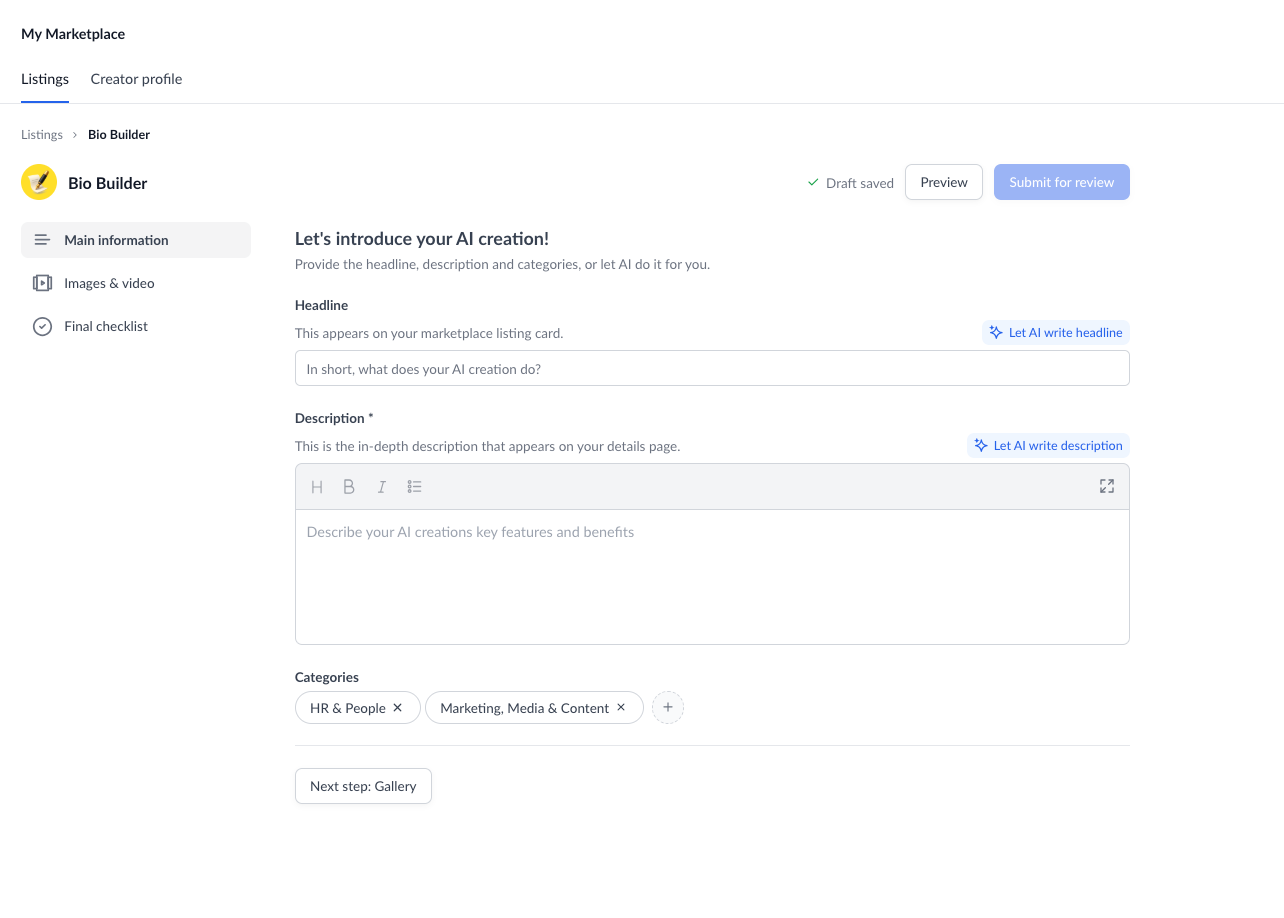
4: Complete your listing profile
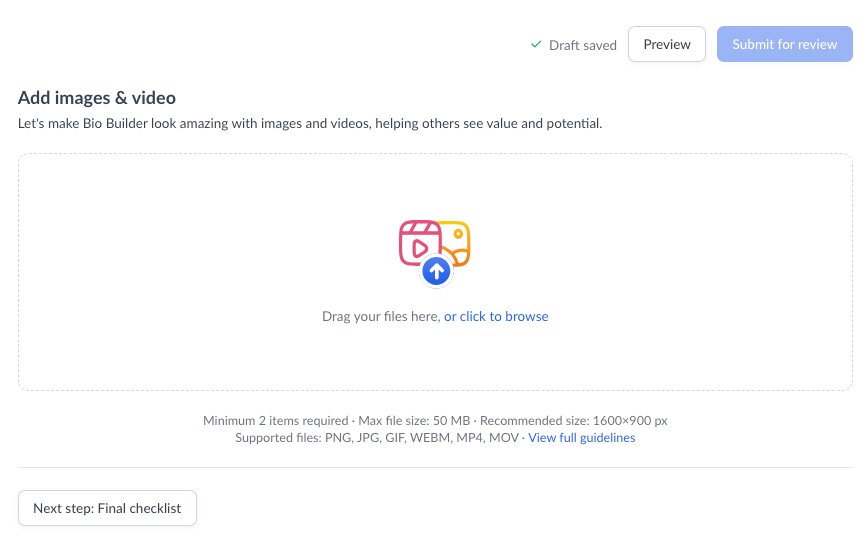
5: Upload images & videos
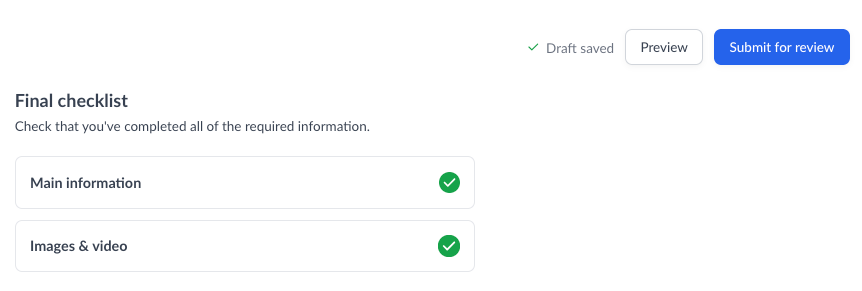
6: Complete the final checklist & hit submit
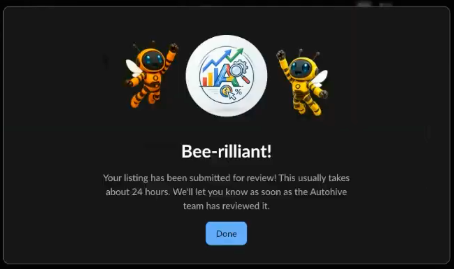
You’ll see a confirmation message pop up once you’ve submitted for review.
7: Wait for approval and monitor your listing status
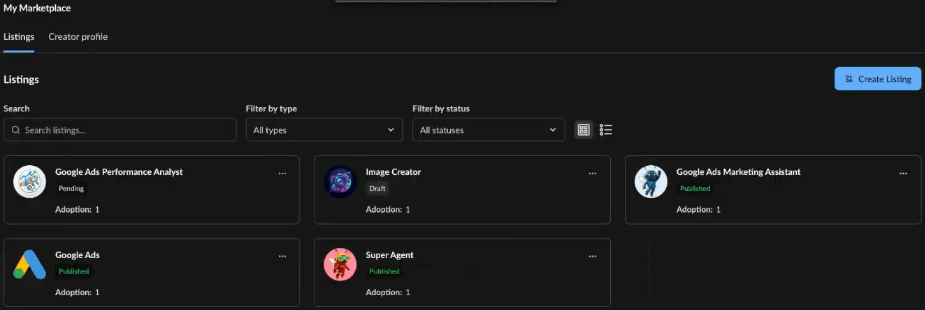
Now your agent has been submitted, it will appear as Pending.

Once our team has reviewed your submission you may receive a request to make changes to your listing, if that is the case your listing status will update to Changes Requested.

When you click into your listing any feedback will appear at the top. Simply make the changes, and resubmit.
Once your agent has been accepted the status will update to Published.

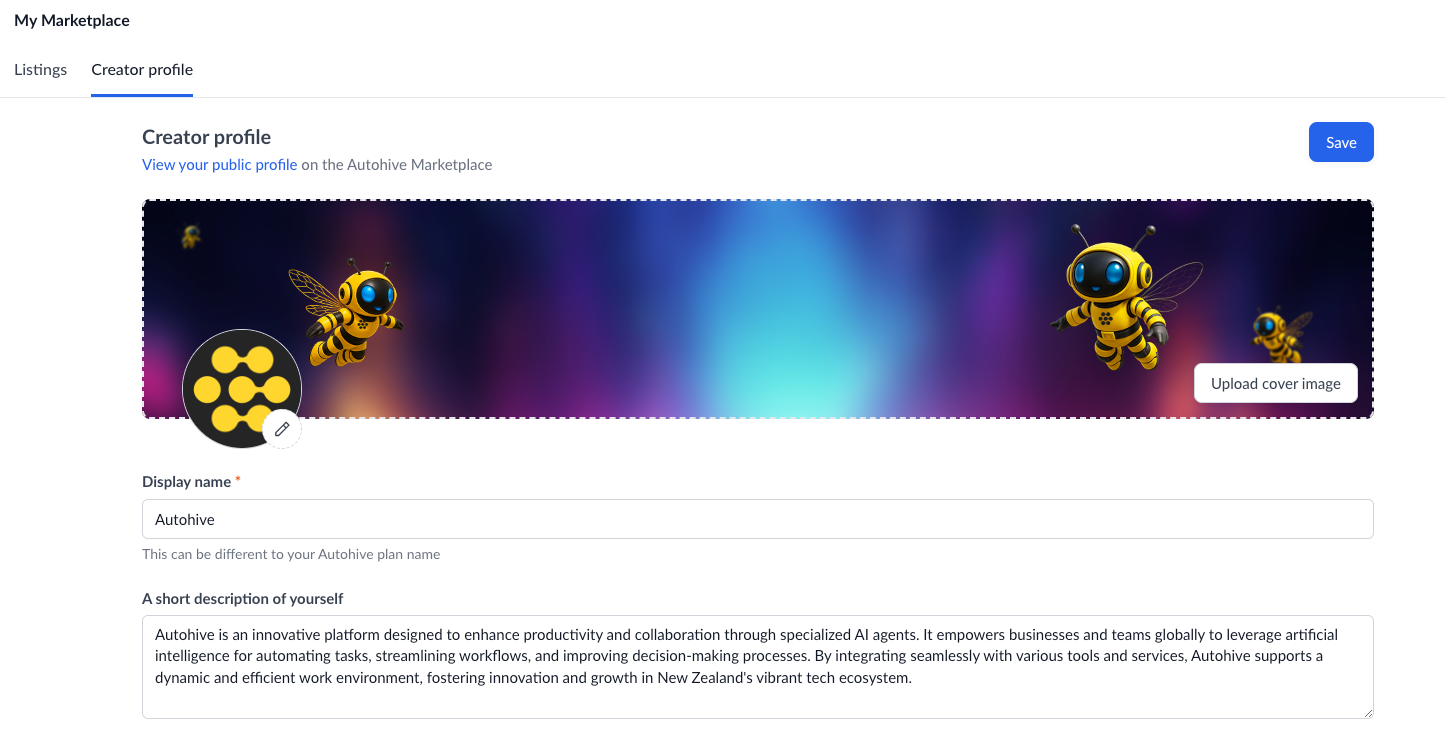
8: While you wait: Jump into your creator profile
More guides...
Agents
Beginner
How to submit your agent for Autohive Marketplace
Article
2 minutes
read
This step-by-step guide demonstrates how to submit your agent to Autohive's Marketplace.
Agents
Beginner
How to build custom agents with Autohive's Agent Creator
Article
2 minutes
read
This step-by-step guide demonstrates how to use Autohive's Agent Creator to transform a simple description into a fully functional, custom AI agent.
Agents
Intermediate
Creating Your First Agent
Article
5 min
read
This comprehensive guide shows you how to build custom AI agents from scratch - specialised assistants that know your business, follow your guidelines, and integrate seamlessly with your existing tools and workflows.
Agents
Beginner
Creating Workflows
Video
3 minute
watch
Explore the drag and drop workflow builder to pair agents and tools together.
Agents
Beginner
Making your agent work for you with scheduling
Video
1 minute
watch
We don't expect you to manually trigger your automations. Learn how to schedule regular tasks.
Agents
Beginner
How to build a custom agent
Video
2 minute
watch
Pre-built agents not a fit? Learn how easy it is to create your own custom agent.
Agents
Beginner
Set up your multi-agent AI dream team
Video
2 mins
watch
Stop settling for "good enough" AI outputs. This step-by-step guide shows you how to set up collaborative AI workspaces where multiple agents and human teammates refine your work together, delivering consistently better results than any single agent could achieve alone.
Build your first AI agent in minutes, not months
Start free today and discover how quickly your team can create AI agents that handle repeated work - with enterprise-grade security built in